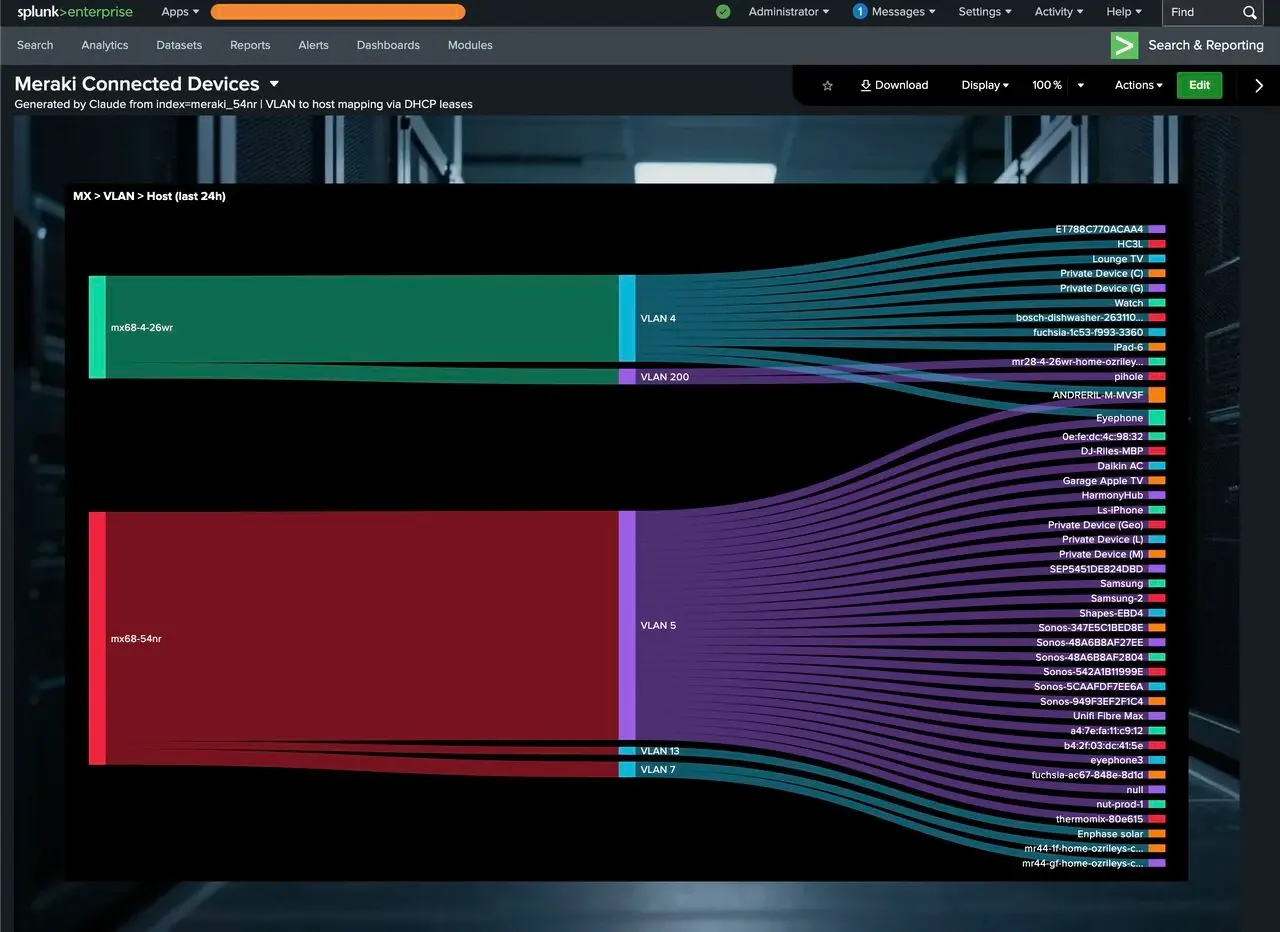
One command. Live Splunk dashboard. AI-generated background image. Zero manual clicking.
25 Mar 2026
Originally published on LinkedIn ↗
One command. Live Splunk dashboard. AI-generated background image. Zero manual clicking.
I built `/splunk-dashboard-gen` — a Claude Code skill that takes a Splunk index, an SPL query, and a title, then does the rest itself.
It runs the query, analyses what kind of data it's looking at (network events? auth logs? IoT telemetry?), synthesises a matching image generation prompt, fires that at a HuggingFace image model, embeds the result as a base64 background, builds the full Dashboard Studio JSON, and deploys it live to Splunk via the REST API.
The screenshot below is a real example — a Sankey flow showing my Meraki MX routers → VLANs → connected devices at home. The background was AI-generated from the data context. The whole thing was deployed from one `/splunk-dashboard-gen` command in Claude Code.
What I found interesting building this: the hardest part wasn't the image gen or the Splunk API. It was getting Claude to write a good image prompt — one dark and ambient enough to sit behind charts without competing with them. Prompt-engineering the prompt engineer is a bit meta, but it works.
Grab the skill from my Claude resource repo: 👉 https://lnkd.in/gEM6w7dn
#Claude #Splunk #AI #Homelab